 Fujista Studio
Find your look. Side by side.
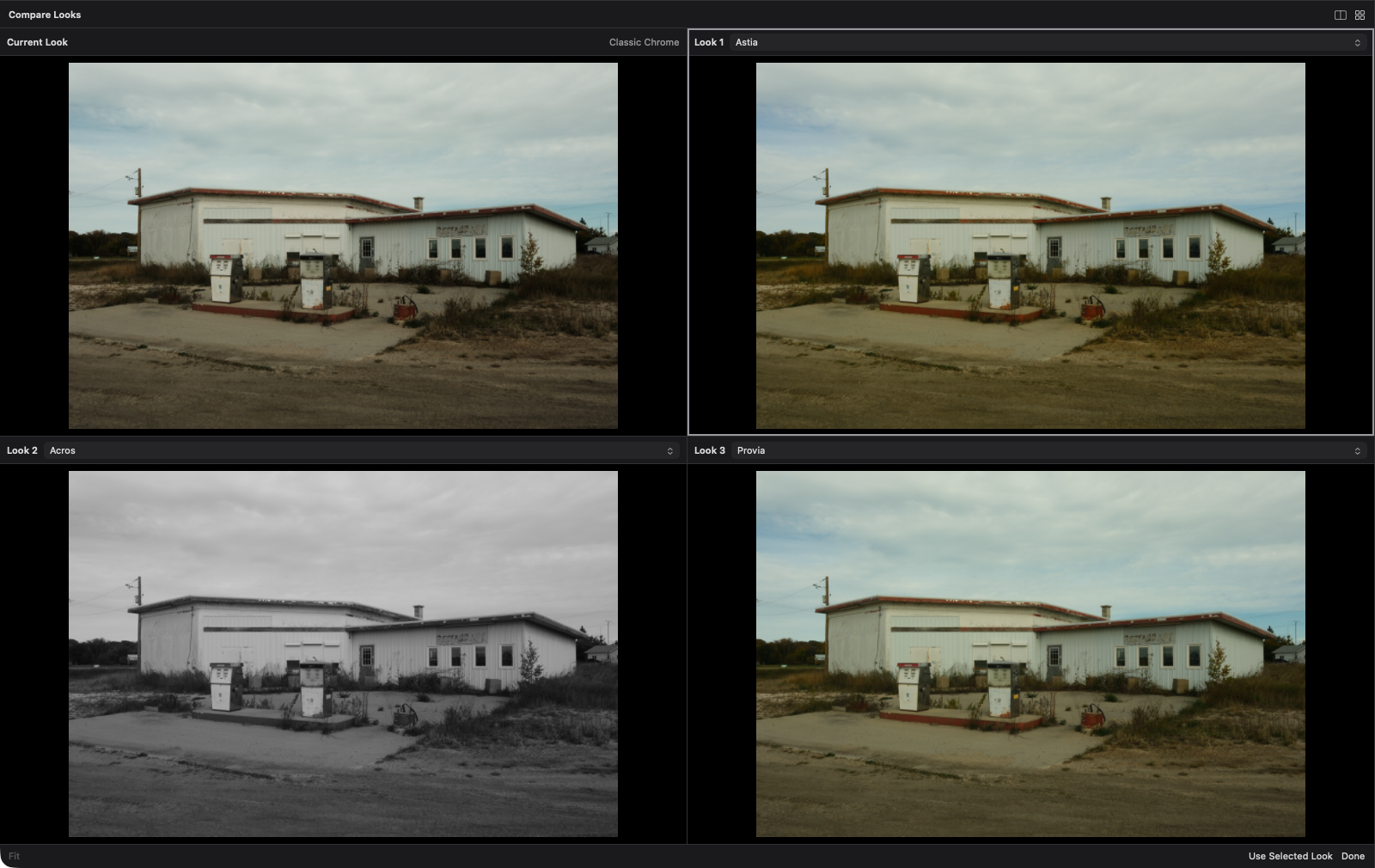
Compare two or four camera-rendered looks on the same photo. Zoom into the same detail, fine-tune each candidate, and keep your favorite.
For Fujifilm photographers. Built for Mac.
Explore film simulations, compare recipes, and finish your photos on your Mac. Powered by your Fujifilm camera’s own image processing.
macOS only · Expected price: $20 to $30 · One-time lifetime purchase · No subscriptions or renewals
Sign up to hear when Fujista Studio is ready to try.
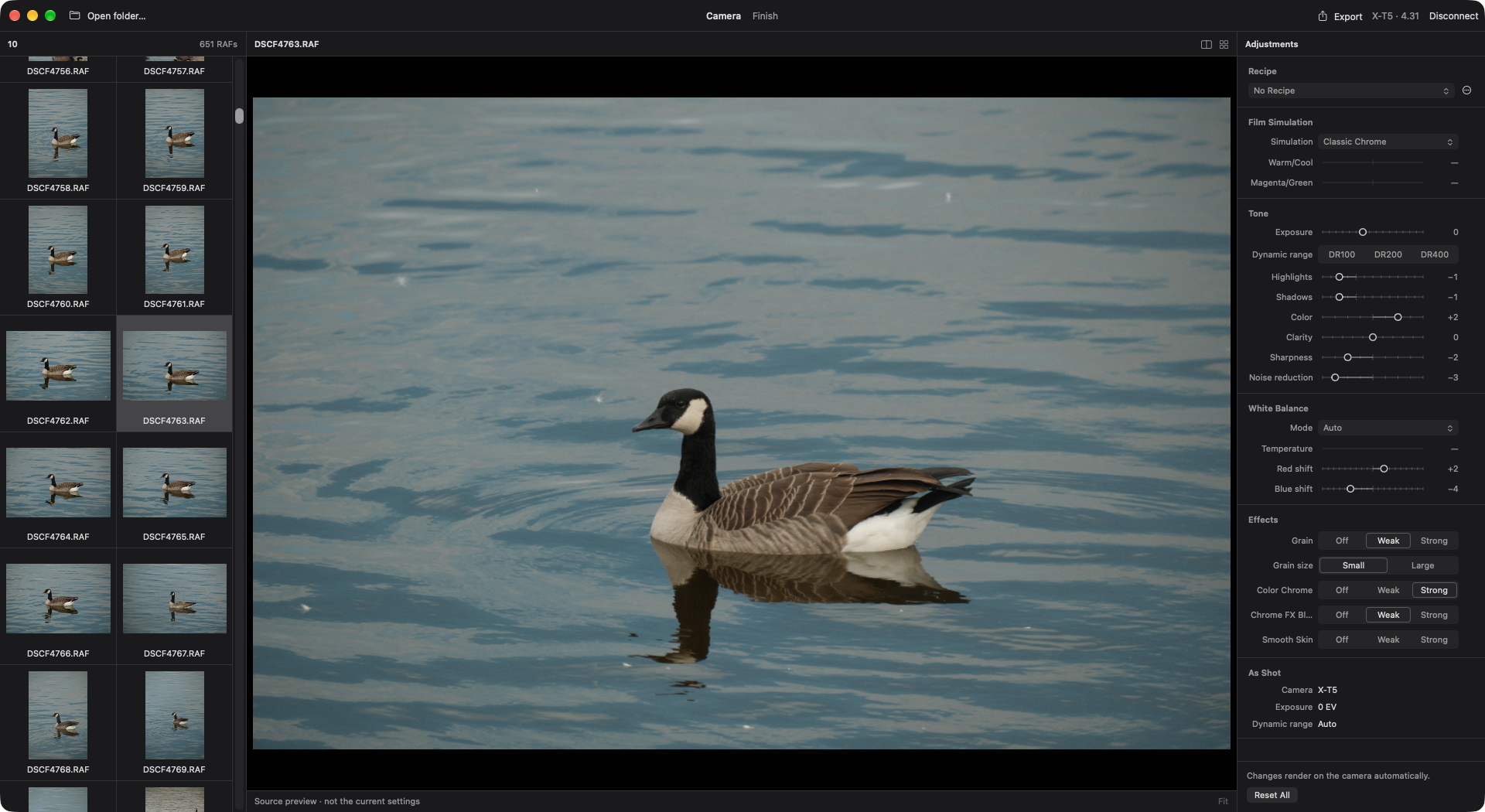
Plug a supported Fujifilm camera into your Mac over USB.
Open your RAF files and start with the settings you shot with.
Try recipes, compare looks, and make finishing adjustments.
Save the result without overwriting your original RAW.
Compare two or four camera-rendered looks on the same photo. Zoom into the same detail, fine-tune each candidate, and keep your favorite.
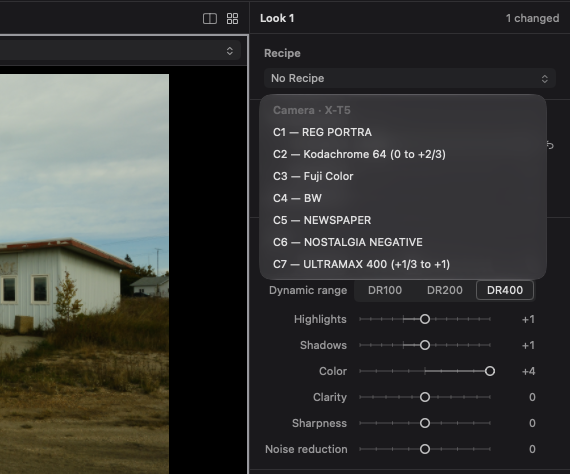
Save your favorite recipes, create new ones from a photo’s recorded settings, and try the looks stored in your connected camera’s custom slots.
Camera recipes are available on supported models. Available slots vary by camera.
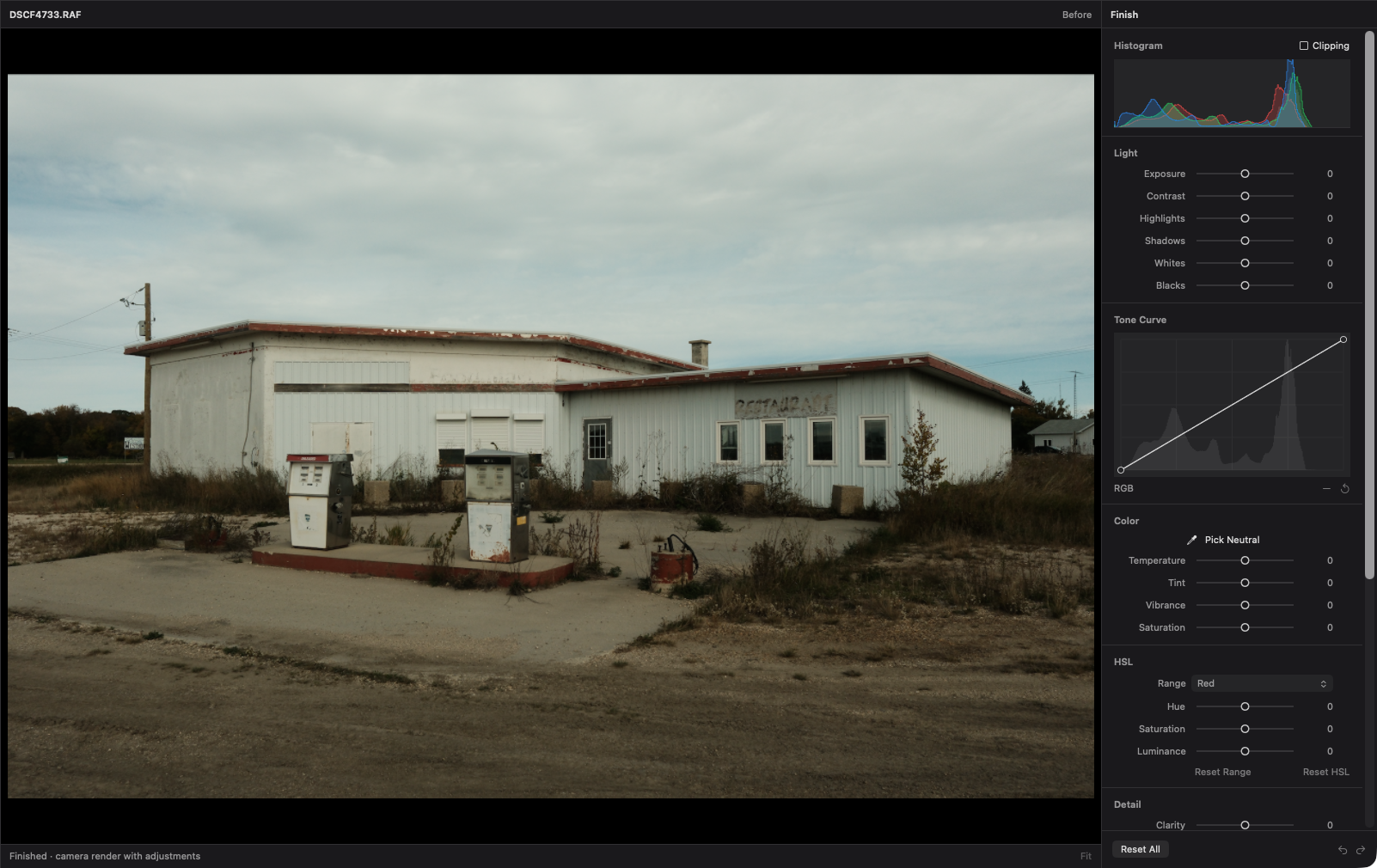
Start with your camera’s rendering, then refine the crop, tones, and color or remove small distractions without switching apps. Finishing adjustments leave your original RAF untouched.
Your camera develops your RAF files over USB. Explore its film simulations and image settings, not software recreations of them.
Apply your saved presets to C1–C7 custom slots on supported Fujifilm cameras, ready for your next shoot. Available slots vary by model.
Save your finished photo as JPEG, HEIF, or 16-bit TIFF. Direct camera export formats depend on your camera model.
Yes, for camera rendering and editing. Rendering requires a supported camera of the same model that captured the RAF.
Support varies by model and firmware, and not every camera offers every feature. We’re still validating compatibility for early access.
We expect it to cost $20 to $30 as a one-time lifetime purchase. No subscriptions or renewals. Final pricing will be confirmed before release.
Fujista Studio is being built exclusively for macOS.
No. Fujista Studio is an independent app and is not affiliated with Fujifilm.
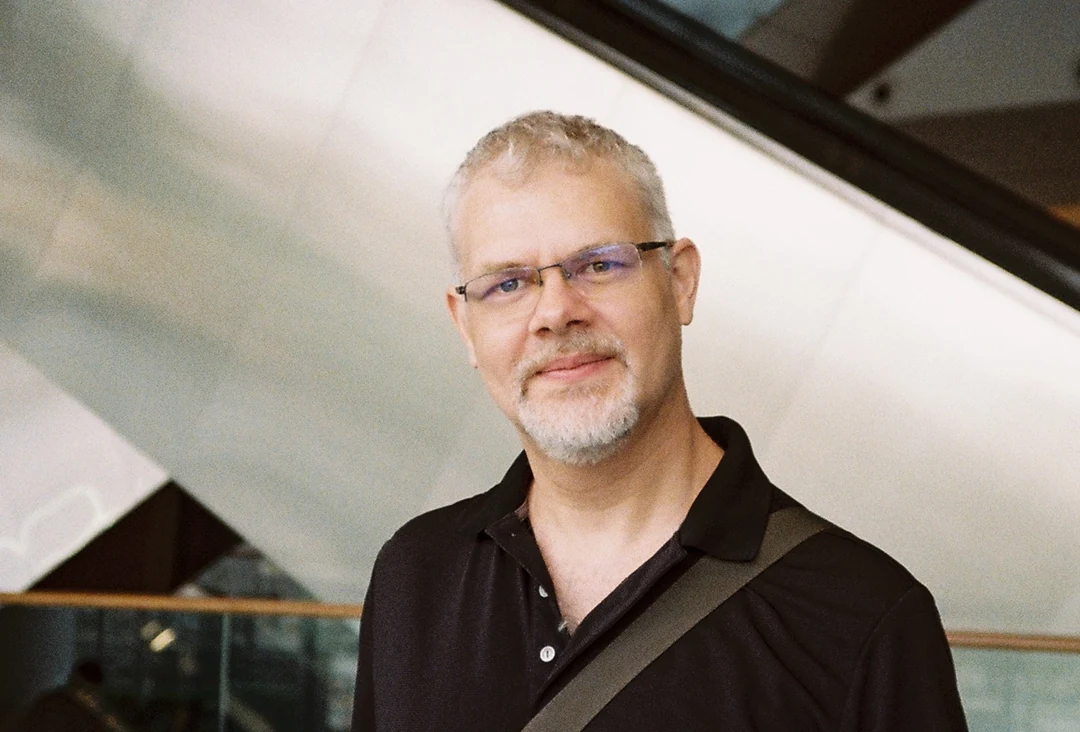
About the developer
I’m Jeff, the developer of PhotoCuller and an avid Fujifilm shooter. My photography journey has taken me through a few camera systems, but I found my way back to Fuji.
I started Fujista Studio because I was looking for an alternative to FUJIFILM X RAW STUDIO that better suited the way I work. I wanted to keep my camera’s own image processing, with an easier way to compare looks, manage recipes, and finish a photo on my Mac.
Like PhotoCuller, it started with an app I wanted to use myself. Now I’m opening it up to other photographers.
Get notified when Fujista Studio is ready to try.
For macOS · Expected price: $20 to $30 · One-time lifetime purchase · No subscriptions or renewals